Allow the website
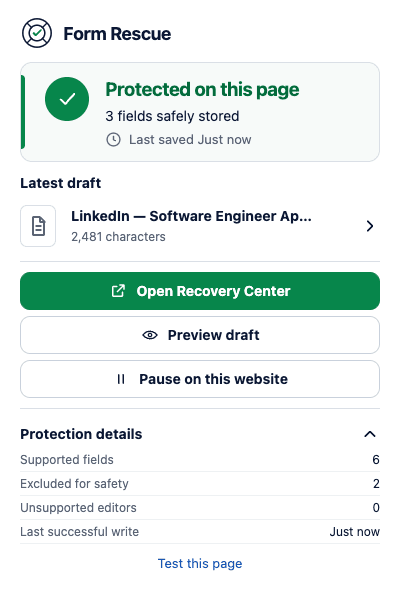
Open the form, click Form Rescue in Chrome, and choose Allow this website before you start writing.
 Form Rescue practical guide
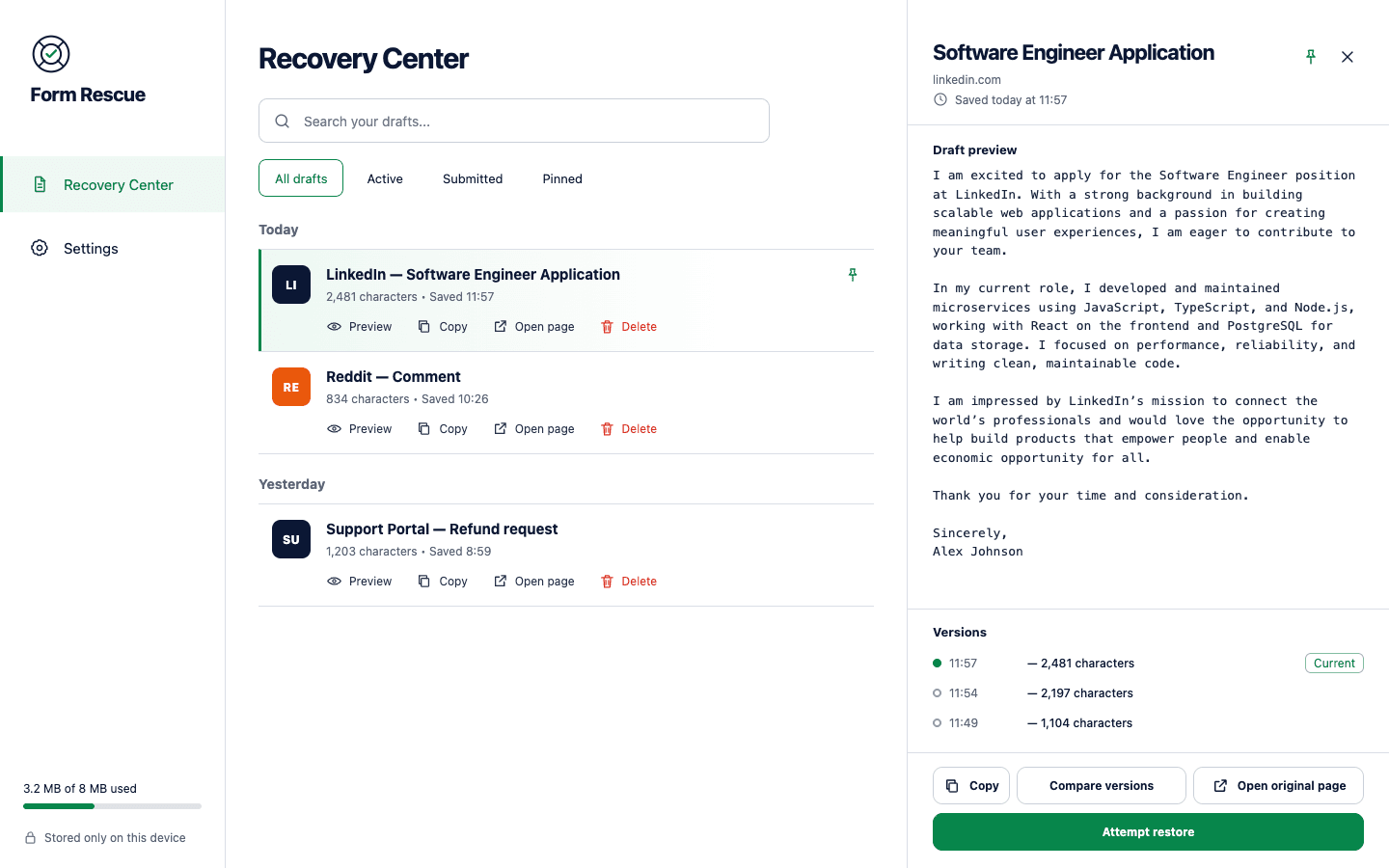
Form Rescue autosaves supported drafts locally while you type, confirms the latest successful write, and lets you preview, copy, compare, or restore saved text.
Activate it before you need it
Installing the extension is only the first step. Form Rescue needs access to the website, and you should verify one successful local write before trusting it with a longer draft.
Three recovery steps
Open the form, click Form Rescue in Chrome, and choose Allow this website before you start writing.
Type a short test and check that the popup shows a successful local save time for the page.
If the page reloads or closes, open Recovery Center to compare, copy, or deliberately restore a saved version.
Recovery has boundaries
Form Rescue blocks common secrets before storage and pauses other private contexts unless you explicitly allow one website. It is a recovery aid, not a guaranteed backup service.
Read the complete privacy modelRecovery questions
No. Form Rescue can only recover supported text it successfully saved after installation and after you allowed the website.
No. Passwords, payment cards, one-time codes, tokens, private keys, recovery phrases, hidden inputs, and file inputs are blocked.
Not silently. Form Rescue provides preview and comparison controls and requires an intentional restore action.
No browser extension can safely support every custom form. Form Rescue covers standard controls and many rich-text editors, but you should keep a separate copy of critical text.

Then allow the website and confirm one real local save.